Get answers to the most common questions about HP printers, Instant Ink, and troubleshooting.
What is HP Instant Ink, and how does it work?
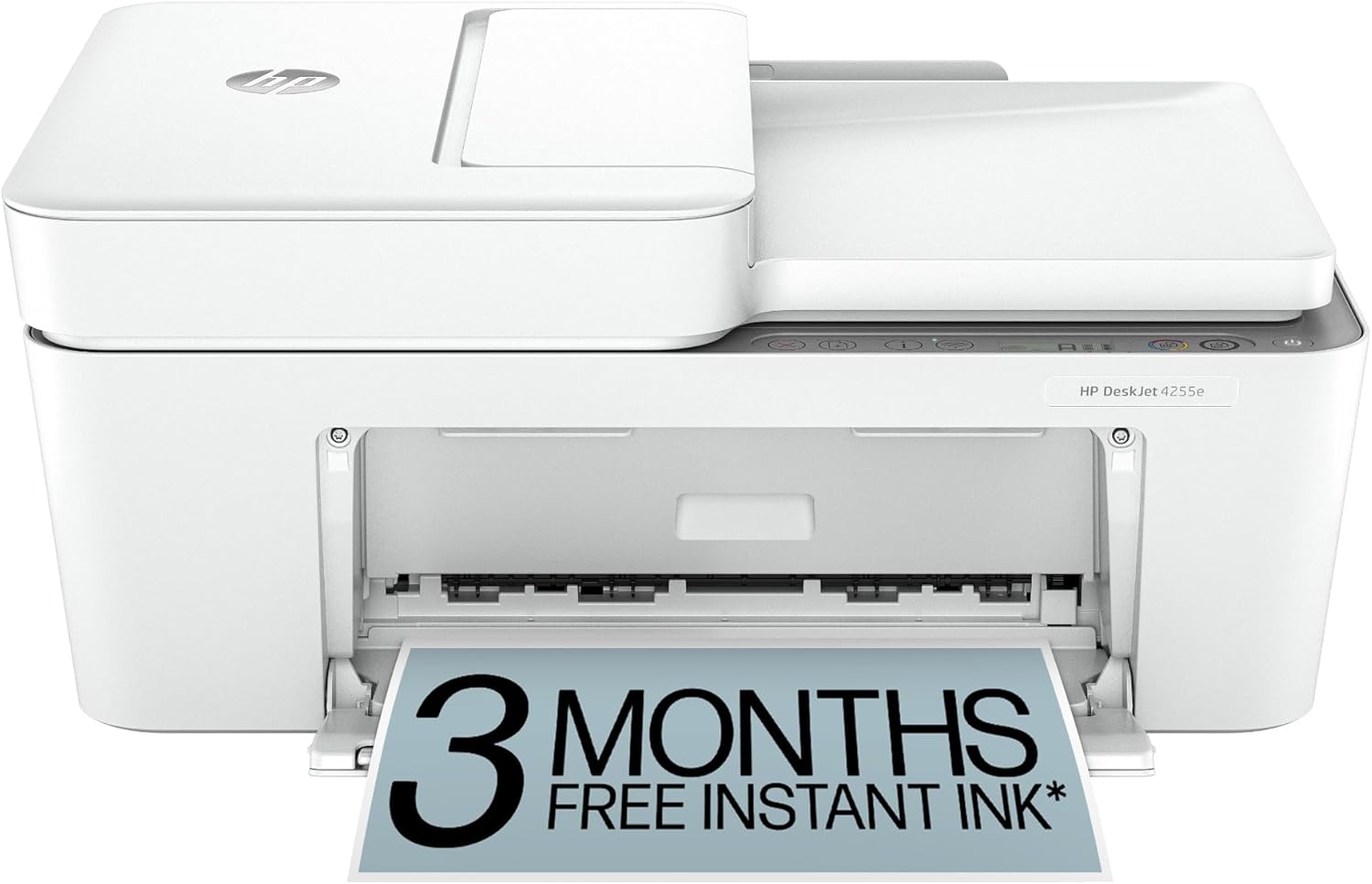
HP Instant Ink is a subscription service based on the number of pages you print, not the amount of ink you use. Your printer monitors ink levels and automatically orders replacement cartridges before you run out. It includes postage and recycling bags, and can save you up to 50% on ink costs.
What is the difference between HP OfficeJet, LaserJet, and ENVY series?
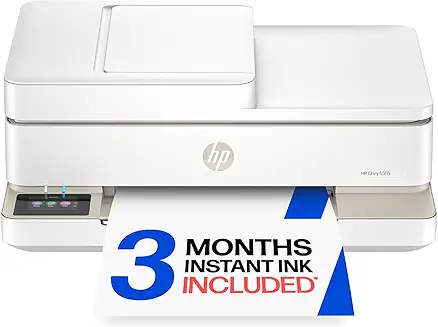
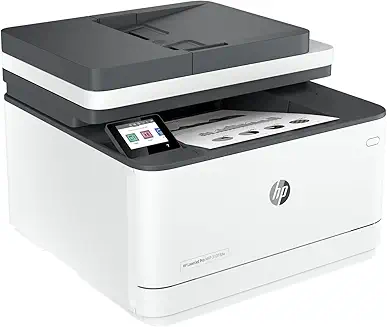
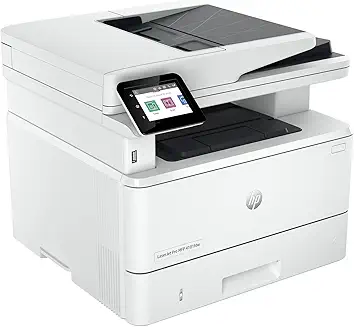
ENVY printers are designed for home users and families, emphasizing photo printing and creative projects. OfficeJet models are professional color inkjets built for home offices and small businesses needing features like document feeding and faxing. LaserJet printers use toner rather than ink, delivering rapid, sharp monochrome or color document printing for heavy workloads.
What are HP "Smart Tank" printers?
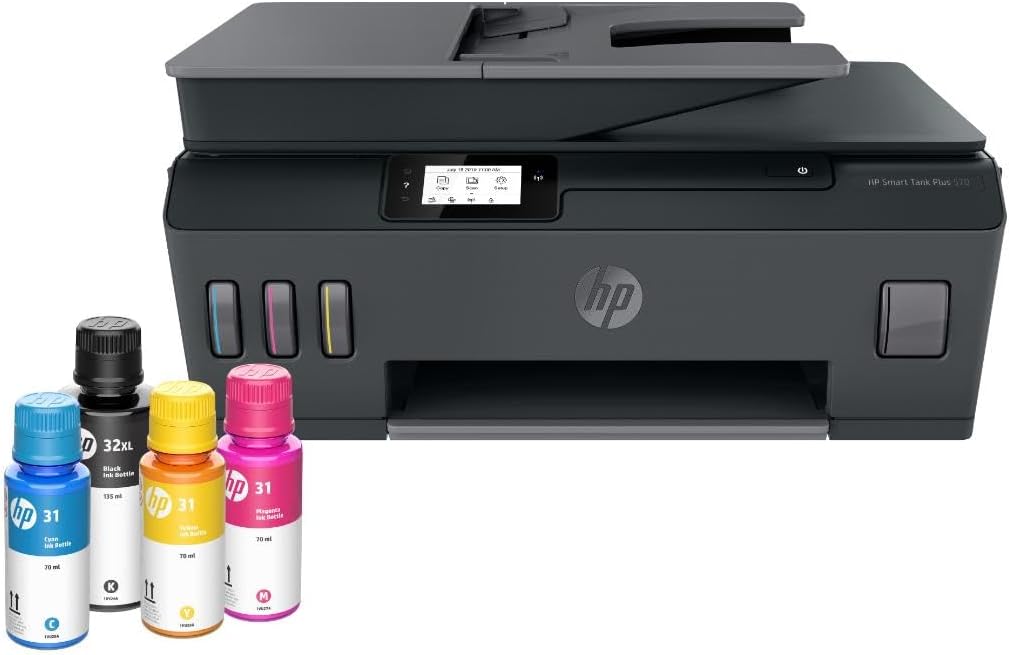
HP Smart Tank printers are HP's cartridge-free supertank models. They feature integrated ink tanks that are easily refilled using high-capacity ink bottles. These models offer an extremely low cost-per-page and are ideal for users who print large volumes of documents and color pages.
Is the HP Smart app required to use an HP printer?
While not strictly mandatory for printing (as you can use generic drivers or Apple AirPrint/Mopria), HP highly recommends the HP Smart app for setting up wireless connections, scanning, registering for Instant Ink, updating firmware, and managing printer features on computers and mobile devices.
What does "HP+" mean, and is it mandatory to activate it?
HP+ is an optional smart printing system that comes with select new HP printers. Activating HP+ requires an HP account, a continuous internet connection, and the exclusive use of Original HP ink or toner for the life of the printer. In exchange, you get extra warranty coverage and trial months of Instant Ink.
Can I print using HP LaserJet printers with only one toner cartridge?
Yes, many monochrome HP LaserJet printers operate with a single black toner cartridge. For HP Color LaserJet printers, most models require all four cartridges (Black, Cyan, Magenta, Yellow) to be installed, but some allow printing in "Grayscale-only" mode if color toner runs out.
Why is my HP printer showing an "Offline" status on my PC?
An "Offline" status is usually caused by communication issues between the printer and computer. Ensure both devices are on the exact same Wi-Fi network, restart the printer and router, and run the "Diagnose & Fix" tool within the HP Smart app to automatically resolve network port conflicts.
Are HP printers compatible with Apple AirPrint and Google Chromebooks?
Yes. Almost all HP wireless printers manufactured in the last decade support Apple AirPrint natively. They also work seamlessly with ChromeOS (Chromebooks) without installing additional drivers by using the standard ChromeOS printing setup.
How do HP LaserJet models compare to HP inkjets in printing speeds?
HP LaserJet printers are significantly faster, with speeds often ranging from 20 to over 40 pages per minute (ppm), and require no drying time. HP inkjet printers typically print between 8 to 20 ppm and can slow down further when printing complex color graphics or high-resolution photos.
How do I factory reset my HP wireless printer?
For printers with a touchscreen, navigate to Settings > Printer Maintenance > Restore > Restore Factory Defaults. For printers without a display, you can usually perform a reset by holding the Wireless and Cancel buttons simultaneously while turning the printer on, or via the printer's Web User Interface (EWS).