Get answers to the most common questions about Canon printers, technology, and maintenance.
What is the main difference between Canon PIXMA and Canon MAXIFY printers?
Canon PIXMA printers are designed primarily for home users, crafters, and photo enthusiasts, offering exceptional photo printing quality and borderless options. Canon MAXIFY printers are built for small/home offices, focusing on high speed, pigment-based smudge-resistant inks, larger paper capacities, and higher monthly duty cycles.
What is Canon's "MegaTank" line of printers?
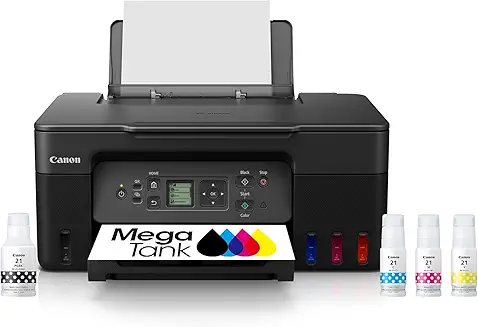
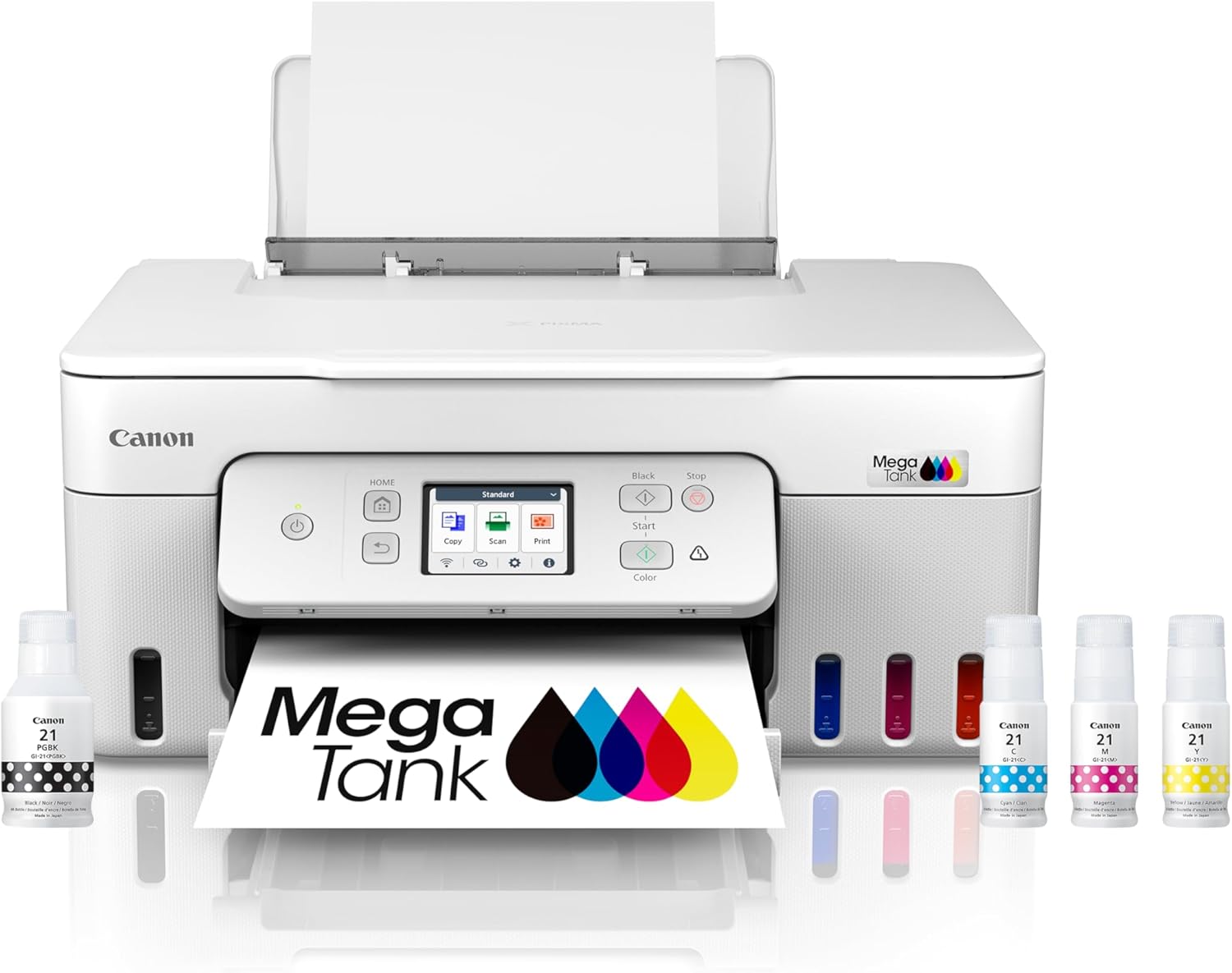
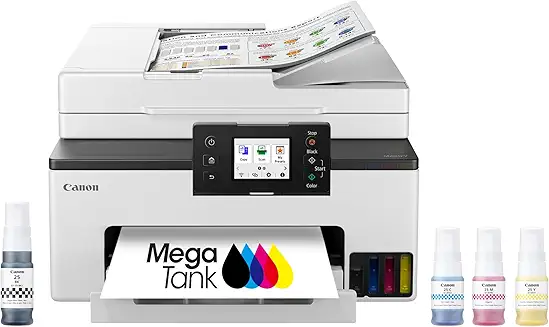
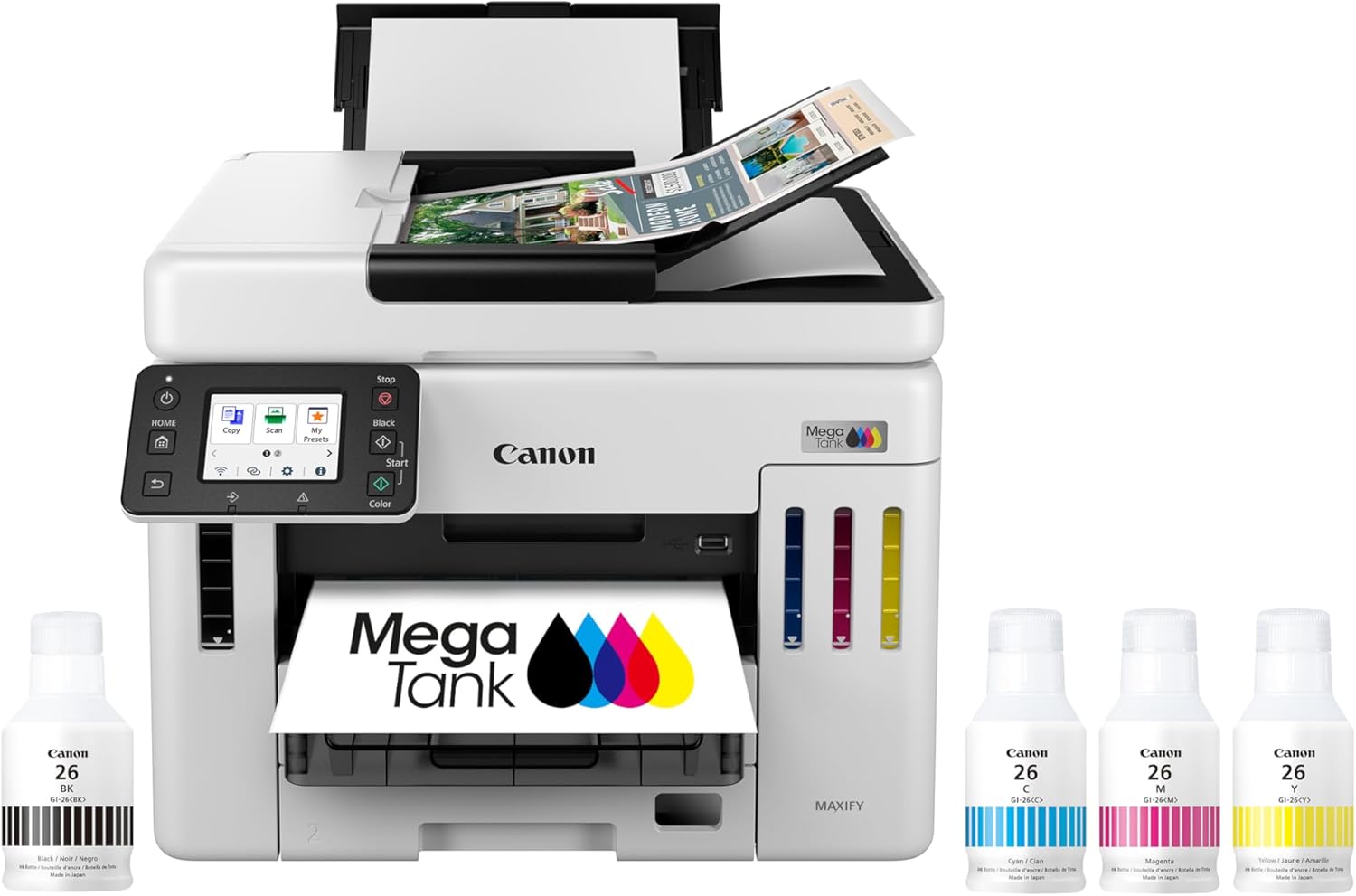
MegaTank is Canon's series of supertank (ink tank) printers. Instead of cartridges, they use large, built-in ink reservoirs that you refill with bottles. This system drastically reduces printing costs (up to 90% savings compared to traditional ink cartridges) and can print thousands of pages before needing a refill.
How do Canon imageCLASS printers differ from PIXMA models?
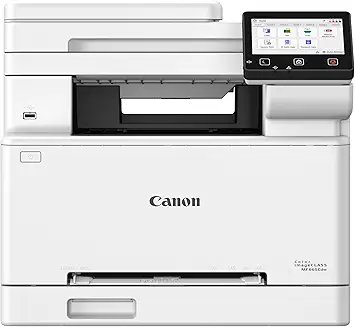
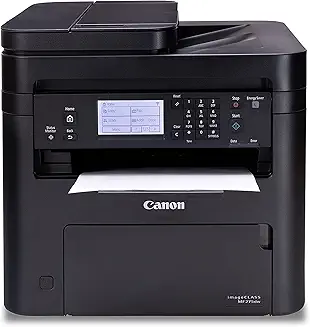
imageCLASS models are laser printers (available in both monochrome and color) that use toner cartridges. They are designed for fast, high-volume text document printing and are ideal for business environments. PIXMA models are inkjet printers, which are slower but far better suited for printing high-resolution photos and colored graphics.
Are Canon printers good for high-quality photo printing?
Yes, Canon is widely regarded as an industry leader in photo printing. Their PIXMA and photo-centric models use a hybrid or multi-color ink system (often including photo blue, grey, or pigment black alongside dye colors) to deliver stunning detail, deep contrast, and extremely accurate color graduation.
Which Canon app should I download to print from my phone?
The primary mobile app is Canon PRINT Inkjet/SELPHY (available on iOS and Android). It allows you to print documents and photos, scan directly to your device, check ink levels, and perform basic printer maintenance from your phone.
Can I use third-party ink cartridges in my Canon printer?
While third-party or compatible cartridges can physically fit and print in Canon models, they may result in less vibrant colors, clogging of the printheads, or error codes. Using non-OEM ink also risks voiding Canon's manufacturer warranty if it causes direct damage to the printer.
What should I do if my Canon printer shows a "Support Code" error?
Support Codes are Canon's system-specific error codes (e.g., Code 1401 for unrecognized cartridges, Code 5100 for carriage errors). You should note the code and consult the official Canon online support database, as most errors can be resolved by reseating cartridges, clearing paper jams, or power-cycling the device.
How does the Canon hybrid ink system work?
Many Canon printers use a hybrid ink system that combines pigment black ink with dye-based color inks. The pigment black ink is used for printing sharp, smudge-resistant text on plain paper, while the dye-based color inks (Cyan, Magenta, Yellow) are used for vibrant, high-fidelity color prints and borderless photos.
Do Canon printers support double-sided (duplex) scanning?
Yes, select high-end Canon models (particularly in the MAXIFY and imageCLASS lines) feature an Automatic Document Feeder (ADF) that supports automatic double-sided scanning, either through single-pass duplex scanning (scanning both sides at once) or reversing duplex scanning.
How do I perform a printhead cleaning on a Canon PIXMA?
You can initiate a printhead cleaning through the printer's onboard LCD screen menu under the "Maintenance" or "Setup" section. Alternatively, you can do it via the Canon Printer Utility software on your computer or through the Canon PRINT mobile app.