Get answers to the most common questions about Epson EcoTank, WorkForce, and troubleshooting.
What makes Epson EcoTank printers different from standard cartridge models?
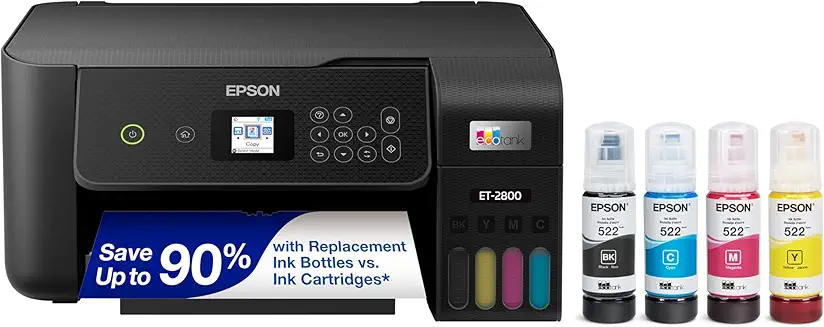
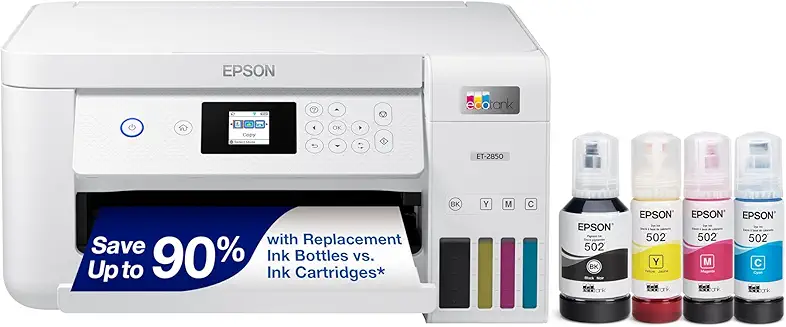
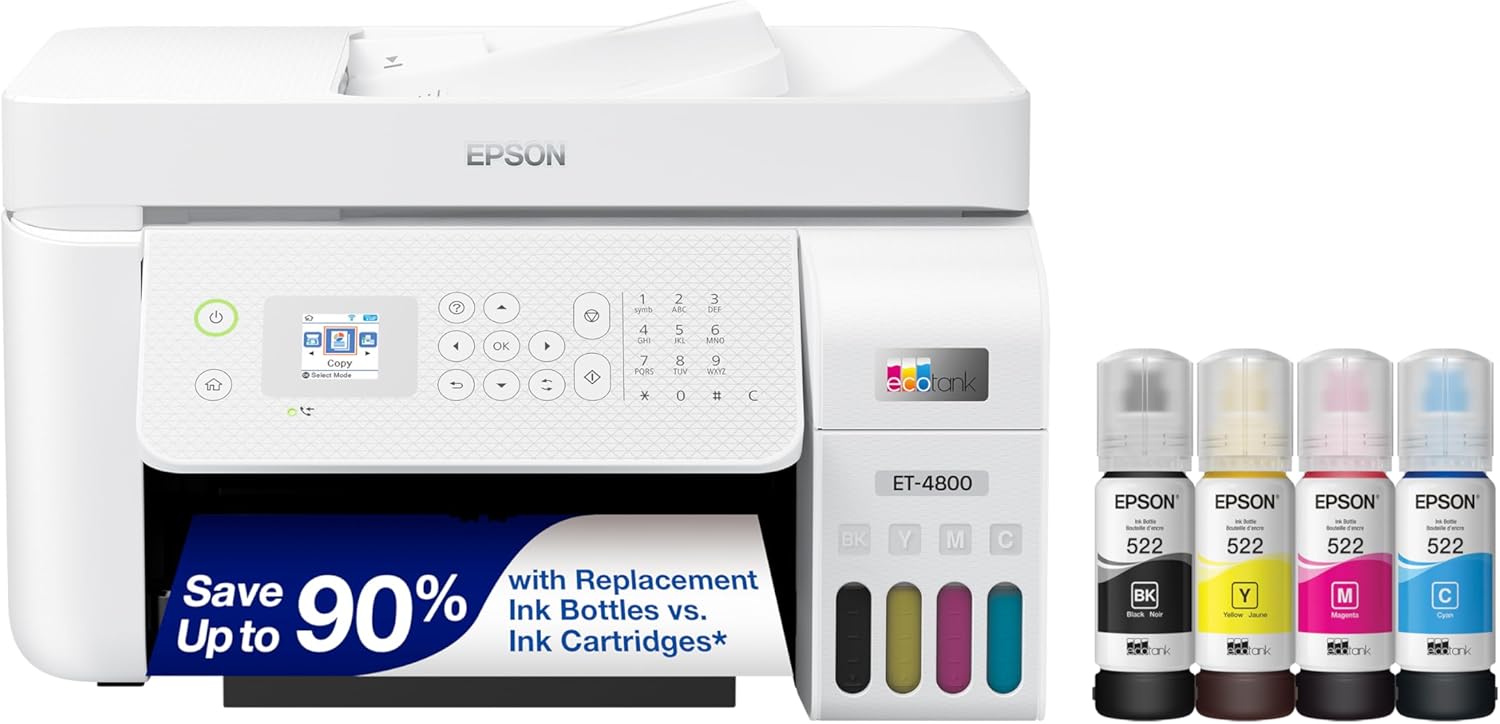
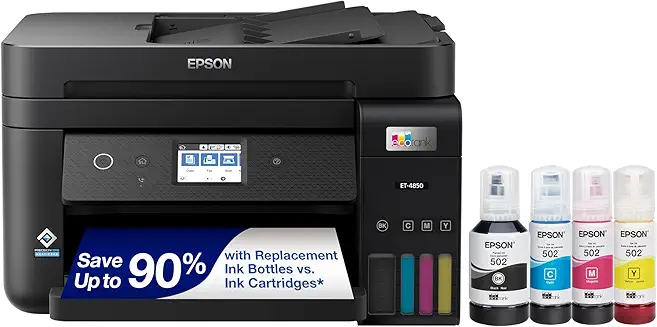
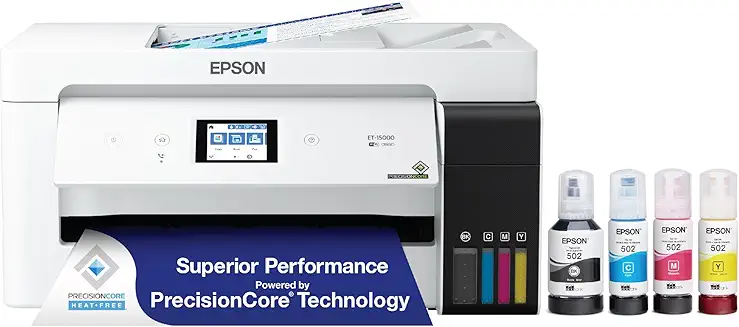
Epson EcoTank printers are supertank models that replace ink cartridges with large, refillable ink reservoirs. When you buy the printer, it comes with a generous amount of ink in bottles (equivalent to up to 90 individual cartridges), offering cartridge-free printing and drastically lower running costs.
What is the difference between Epson Expression and WorkForce printer lines?
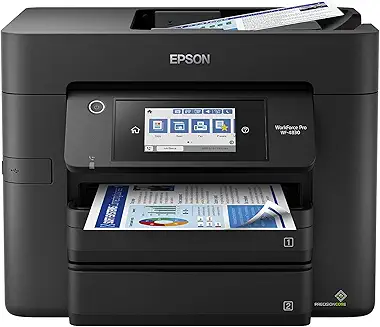
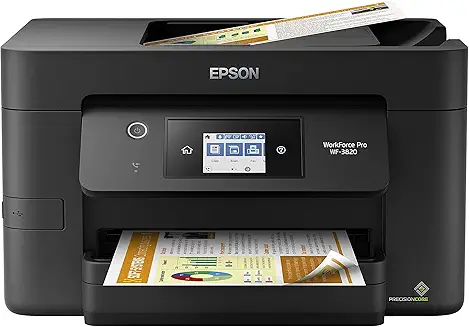
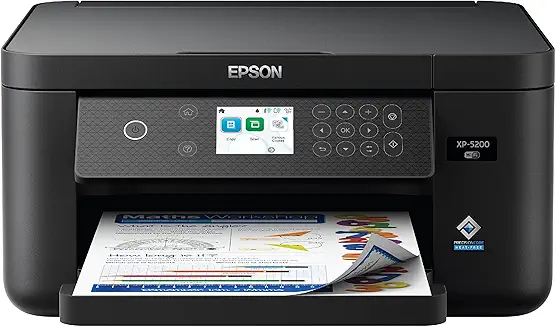
Expression models (like Expression Home or Photo) are consumer-oriented printers optimized for document and photo printing, crafting, and light home use. WorkForce models are designed for business environments, offering faster speeds, heavy-duty monthly cycles, auto document feeders, and large paper trays.
How long does the ink last in an Epson EcoTank printer?
Depending on your print volume, the ink included out-of-the-box with an Epson EcoTank printer can last up to 2 years (or print up to 6,000 black and 7,500 color pages). The replacement bottles are inexpensive and provide a similarly high page yield.
What is Epson PrecisionCore technology, and what are its benefits?
PrecisionCore is Epson's advanced printhead technology that uses high-density piezoelectric chips to eject microscopic ink droplets with extreme accuracy. This results in faster print speeds, exceptional print quality, sharp text, and highly detailed images.
Can Epson printers print on heavy cardstock or specialty photo paper?
Yes, many Epson printers (especially Expression Photo and EcoTank models) can print on cardstock, envelope, and glossy photo paper. To prevent jams with heavy media, it is best to use the rear paper feed slot if your printer is equipped with one.
How do I resolve a clogged printhead or streaky prints on an Epson?
You can resolve clogged nozzles by printing a nozzle check pattern, and then running a "Print Head Cleaning" cycle from the printer's maintenance menu. If streaks persist, you can perform a "Power Cleaning" (which uses more ink but clears stubborn clogs), or manually wipe the printhead assembly.
What is Epson Connect, and how do I set it up?
Epson Connect is a suite of cloud services that allows you to print from anywhere. It includes Email Print (sending documents to the printer's unique email address), Epson iPrint App, and Remote Print Driver. You can register your printer via the Epson Connect website during setup.
Do Epson printers support borderless printing?
Yes, most Epson consumer inkjet and EcoTank models support borderless printing on standard photo paper sizes (such as 4x6, 5x7, and 8.5x11 inches). Ensure you select the "Borderless" option in the print settings dialog on your computer or mobile app.
How do I update the firmware on my Epson printer?
Firmware updates can be performed directly through the printer's LCD touchscreen menu (Settings > Firmware Update), or via the Epson Software Updater utility on a connected PC. Keeping firmware updated improves security and resolves system bugs.
What should I do if my Epson EcoTank ink levels run extremely low?
You should refill the ink tanks immediately when the ink level falls below the lowest line on the tank window. Running an EcoTank printer with empty or extremely low ink reservoirs can draw air into the ink tubes, causing printhead damage and print quality issues.